06. Foveated Rendering
Foveated Rendering
One of the solutions that was discussed in the research paper to help alleviate computation in a light field display is foveated rendering, which is a rendering technique used to minimize computation in areas where someone isn’t looking. But, one of the additional requirements for foveated rendering is the ability to track where a user is looking.

In a headset, that is actually a pretty tough challenge given the lack of light in a headset and the differences between everyone’s eyes. Luckily some companies like Eyefluence and Fove are making some good progress on making eye tracking possible.

But even once you have that data, you have to change the graphics pipeline so that it can more efficiently render scenes. Let's make sure foveated rendering works as a proof of concept, let’s create a quick prototype in Unity.
Unity Time!
To do this, you will need to use the Post Processing effects that we discussed in the FOV concept.
To create a blur, you will need to implement the Depth of Field effect. Then simply, change the Focus Distance or Aperture parameter. This is a value from 0 to infinite (in theory) that controls the distance at which our camera should focus.
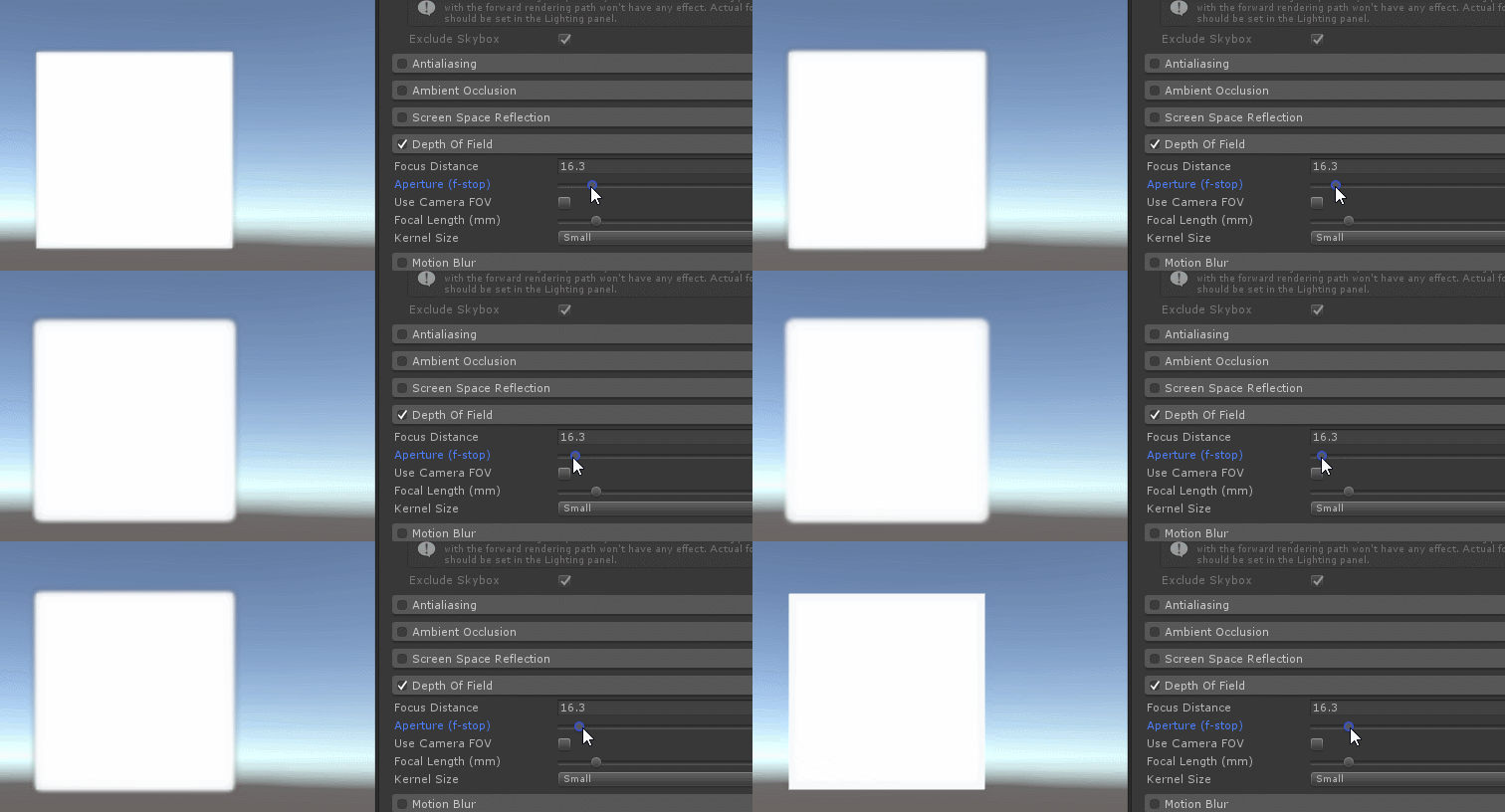
You will need to have some geometry in the scene, so create a cube in front of your camera. Try experimenting with a few different values to see what is the minimum value you can use before you notice the blur. Make sure to look at the center of your scene, otherwise you will notice the blur a lot sooner.